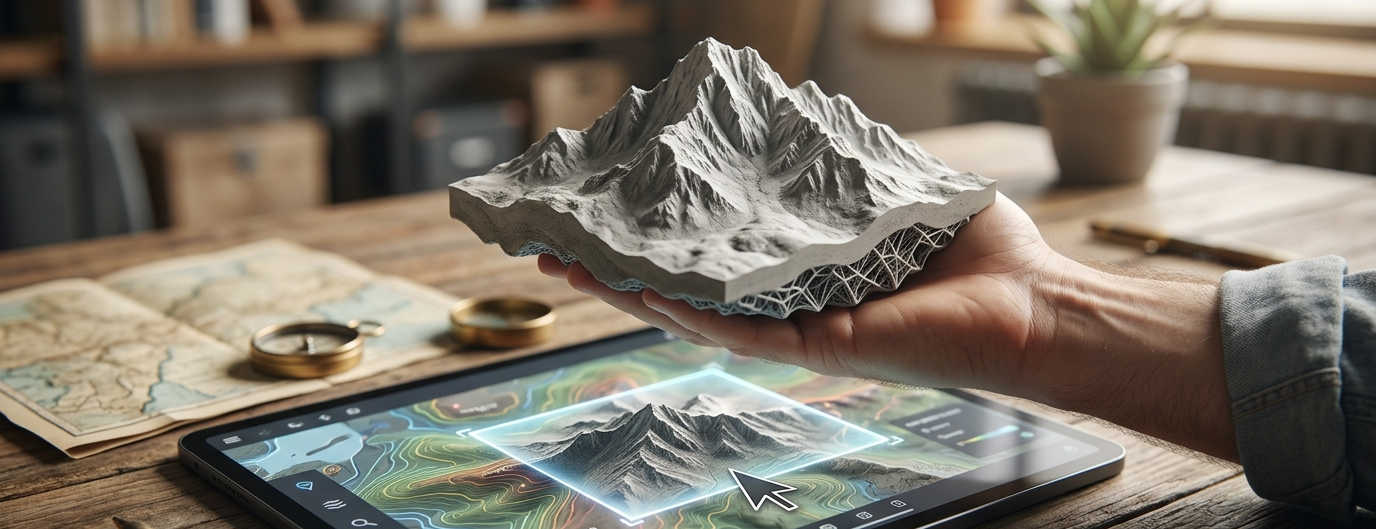
Introducing TerrainForge: Turn Maps Into Models
Creating long wanted fun project in my freetime. I always wanted to hold a physical model of mountains I know. TerrainForge makes it possible.
What is TerrainForge?
TerrainForge is a web-based application that transforms topographic data into 3D printable STL meshes. Perfect for spatial visualization, educational projects, or creating unique geographical mementos.
🔧: Now it is in alpha, but it will get mature soon
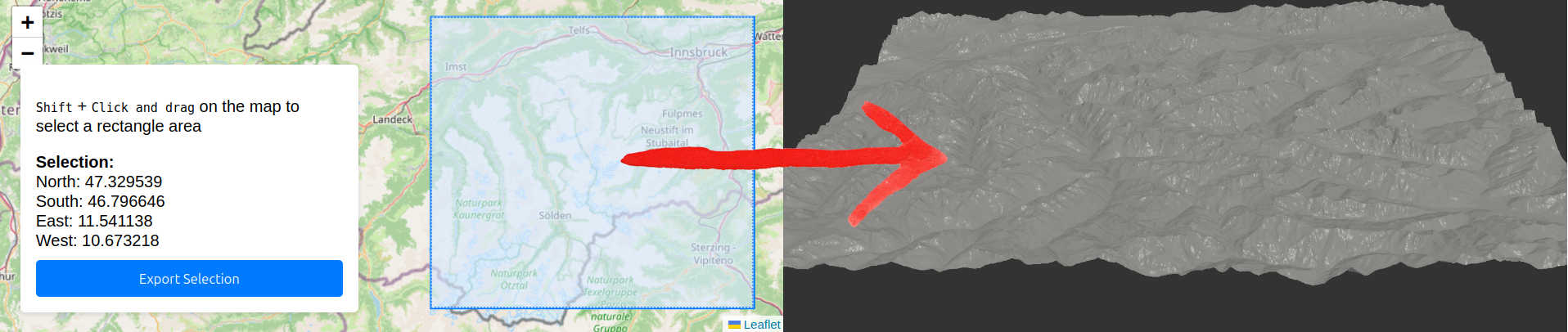
How It Works?
We start with a map selection:
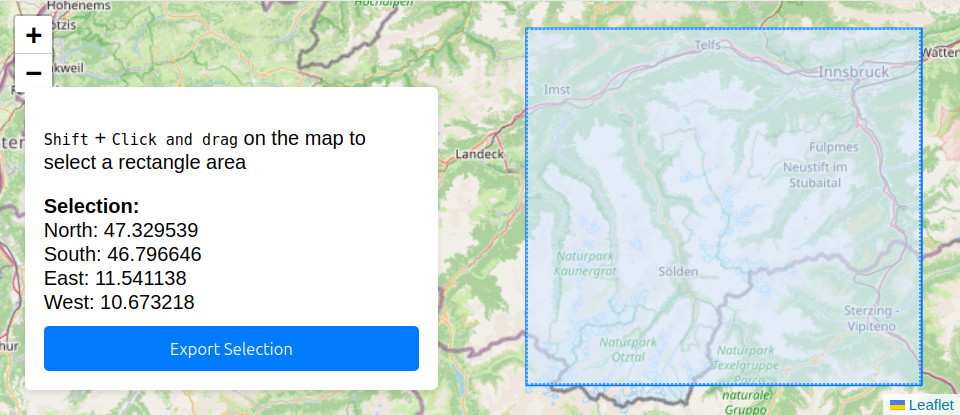
- Draw a rectangle around your area of interest on the map
- Click “Generate Mesh”
- Download your STL file
- Use it as you wish (eg: Print it on your 3D printer)
Here is a created mesh
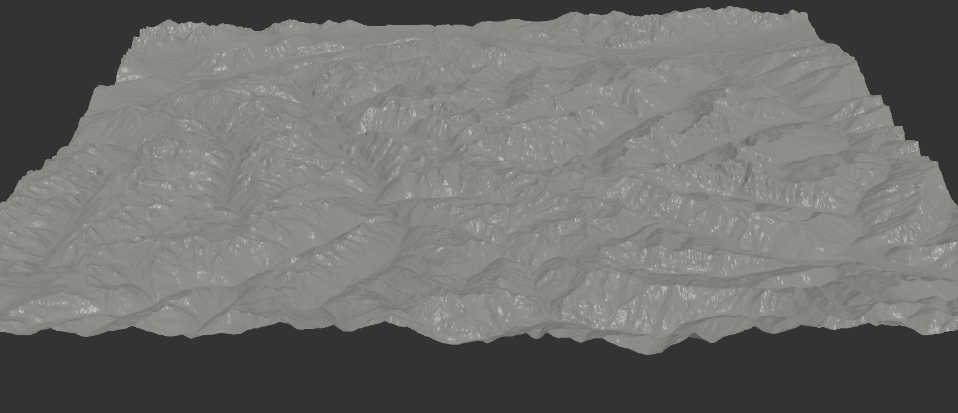
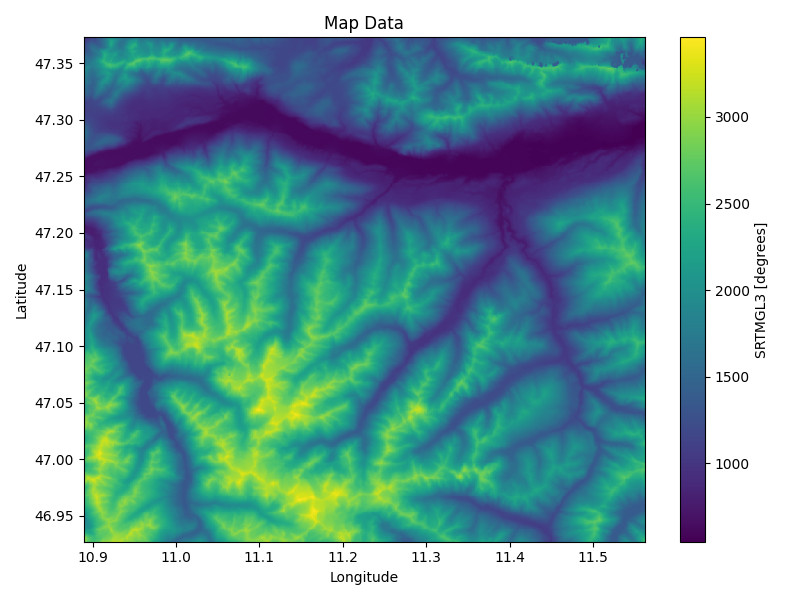
Alternatively we can take a look at the height map of the terrain:
Why TerrainForge?
I wanted to export terrain to 3d print it, I was searching for an app to do it, but havent found anything ideal. I found both Terrain2STL and TouchTerrain but both with its limitations, they do the job, but it was a great area for improvements.
NOTE 🗒️: After finishing the prototype of that project i found Map2model which is a great and modern solution. However as written later it uses frontend heavy implementation, which does not allow for as much optimization and speed improvements. Also I could not find a source code, so let’s be this a valuable insight of open source code and motivation to work mainly on the processing speed to differ. Challange accepted 💪
That’s how it’s made
The app is made to be simple and intuitive, both in use and design. To a reader it is then no-brainer it follows two layered architecture.
Architecture
The client side of html and javascript while using embeddings for maps. All served by the same flask used for RESTful backend API. The backend is then served by flask and uses libraries to process the map data, that are fetched from OpenTopography. This appraoch allows to use not only the app but also the API as well. For all of that is prepared dockerfile for Containerized Deployment.
AI USED 🤖: I made the backend by myself, while only consulting libraries and approaches. While I normally code frontend myself and i can operate many frontend technologies, I have chosen to vibe code the frontend. Actually I have never done vibe coding outside of code snippets. Everytime it has to be first time.
Plans
What is planned next?
- Mature out the UI
- Harden the code
- Optimize map loading and process speed
- provide previews
MOTIVATION: 💪 Despite I found a nice tool to the same and well, I do plan to continue development. Just to make it meaningful the resulted tool will be open-sourced a streamlined and effective version. There is a big advantage as the other tool uses frontend and ours backend it allows to implement storage of local preloaded data to offer previews/caching or faster speeds in general. Geo/map API’s tend to slow things down quite a bit.
Summary
TerrainForge is an open-source web application that converts topographic data into 3D-printable STL files. Users can select a map region and generate models for 3D printing or visualization. Built with Flask, OpenTopography data, and containerized with Docker, it offers a simpler alternative to existing solutions while demonstrating open-source principles for terrain modeling projects.